Outsmart
Car Head-Up Display
Car Head-Up Display
Couldn't load pickup availability
Car Head-Up Display
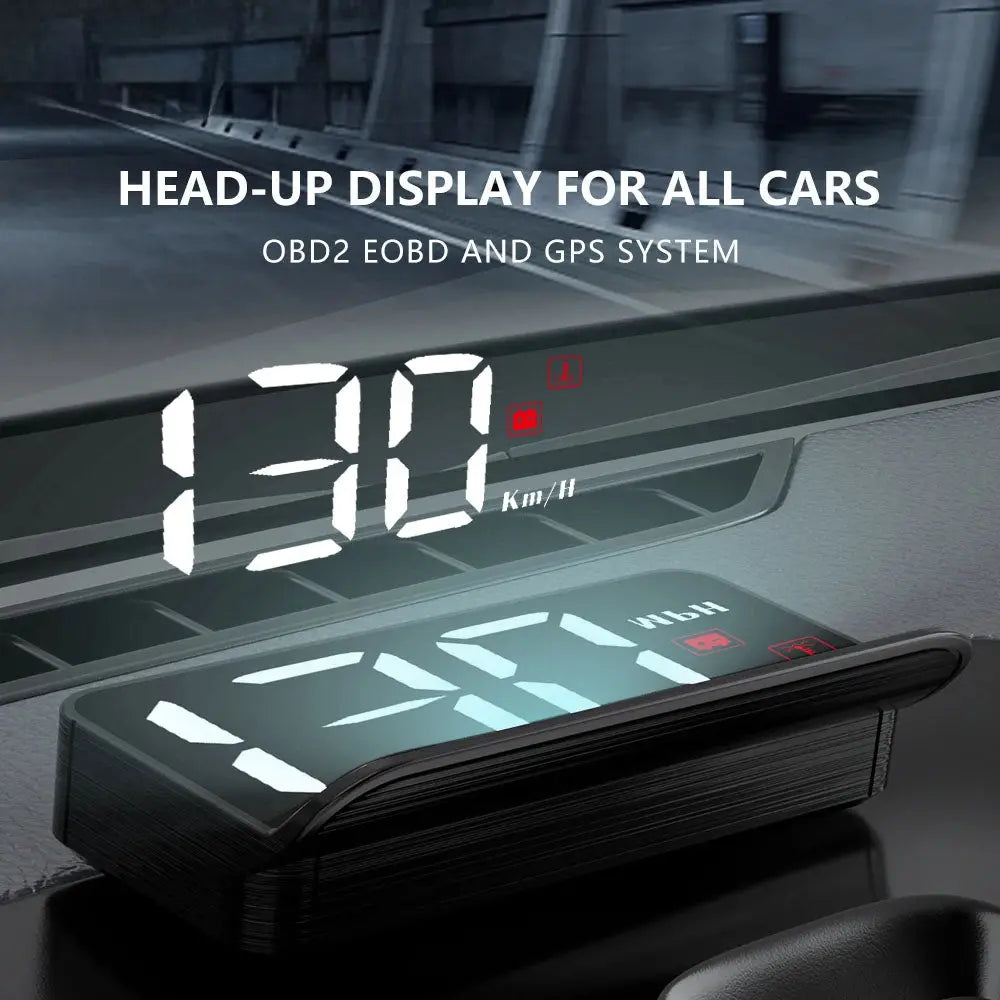
Transform your driving experience with the Car Head-Up Display. This sleek, plug-and-play device elevates your car's interior while keeping you informed on the road. With its crystal-clear display, even in direct sunlight, this futuristic display ensures you stay focused and aware of critical driving information, day or night. Designed for ease of use, it installs in seconds without the need for any tools. Upgrade your ride with this premium, easy-to-use head-up display for a more advanced, enjoyable journey.
Why You’ll Love It
- Futuristic Design: Elevates your car's interior with a sleek, modern look that adds a touch of sophistication.
- Effortless Installation: Plug-and-play setup that installs in seconds without the need for any tools.
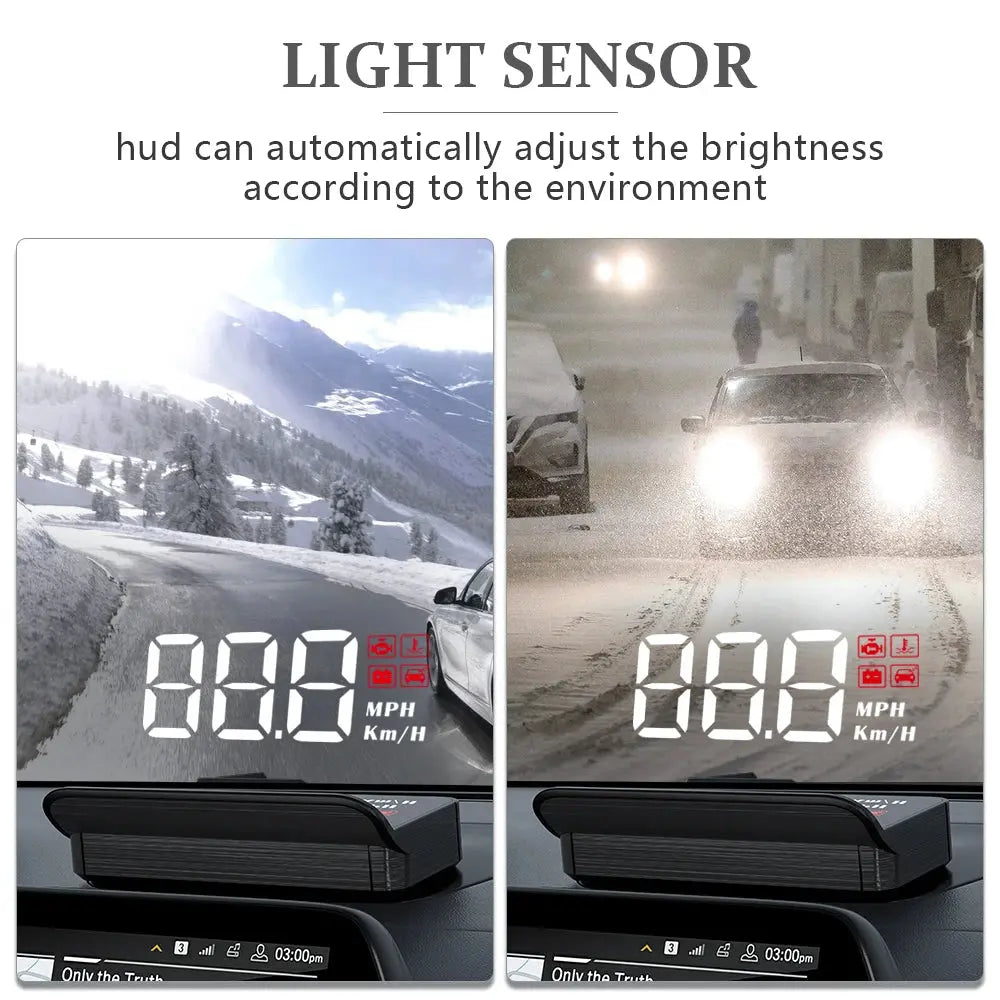
- Crystal-Clear Display: Stay informed with a high-quality display, even under direct sunlight, so you never miss important driving information.
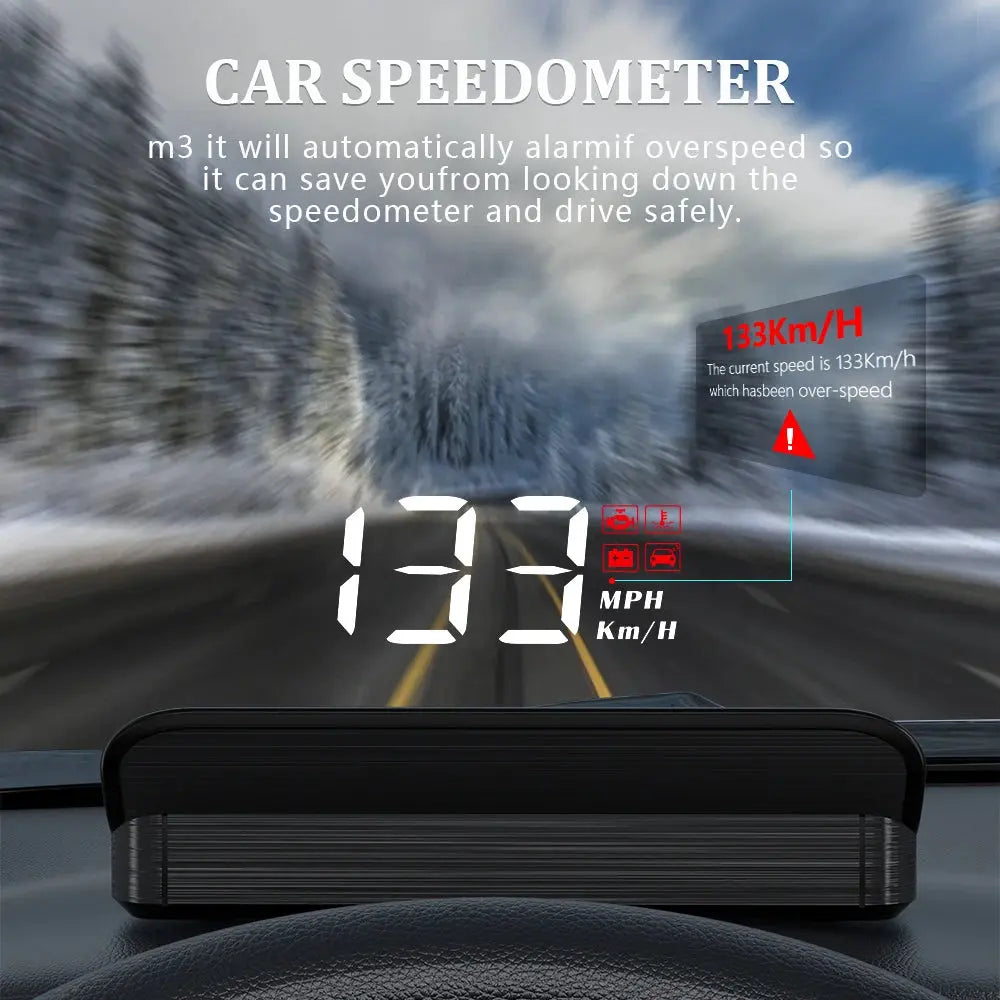
- Focus on the Road: View critical driving data at a glance, minimizing distractions and helping you stay focused on the road ahead.
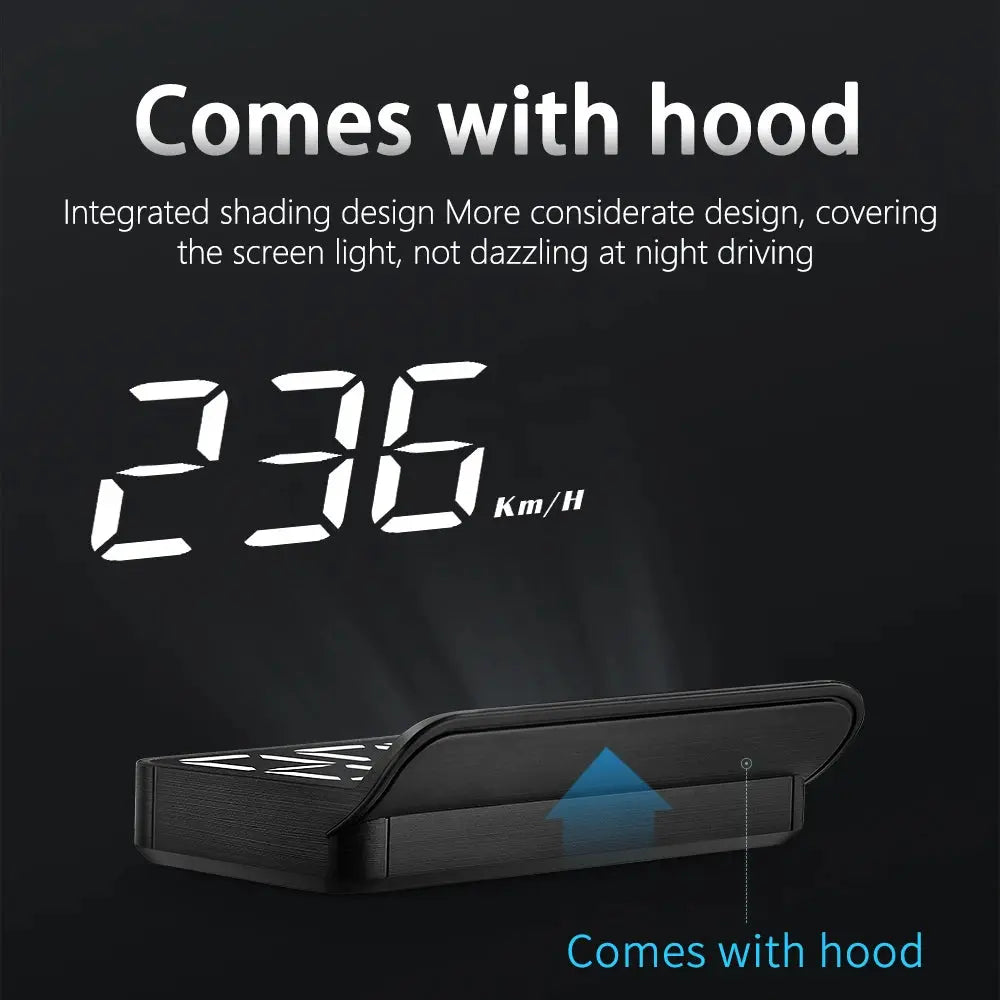
- Day or Night Use: The display is easy to read in any lighting, making it ideal for both daytime and night-time driving.
- Enhanced Driving Experience: Enjoy a smoother, more futuristic driving experience with the convenience of real-time data at your fingertips.
How It Helps You
- Boosts Safety: Displays essential driving data like speed, fuel efficiency, and navigation directions directly in your line of sight, reducing distractions and keeping your eyes on the road.
- Improves Focus: With key information available at a glance, you can make more informed decisions while driving, enhancing your overall driving experience.
- Saves Time: No need to glance down at your dashboard; all the information you need is projected right on your windshield.
- Convenience and Simplicity: Its easy installation and user-friendly interface make it a hassle-free addition to your car, ensuring a smooth upgrade with no tech headaches.
- Elevates Your Car's Interior: A stylish and modern upgrade to your vehicle's interior, giving it a sleek, futuristic touch.
Why Outsmart?
Outsmart enhances your driving routine with smart, efficient technology that simplifies and elevates your daily experience.
- Convenience: The Car Head-Up Display offers a seamless, easy-to-install solution that improves your driving experience with zero hassle.
- Time-Saving: Stay informed without taking your eyes off the road, making your drives more efficient and stress-free.
- Peace of Mind: Enjoy enhanced safety and control, knowing that you have the most critical driving information right at your fingertips, without distraction.
Specifications
- Display Type: Crystal-clear, high-definition display
- Connectivity: Plug-and-play installation (no tools required)
- Brightness: Auto-adjusting brightness for clear visibility in any light
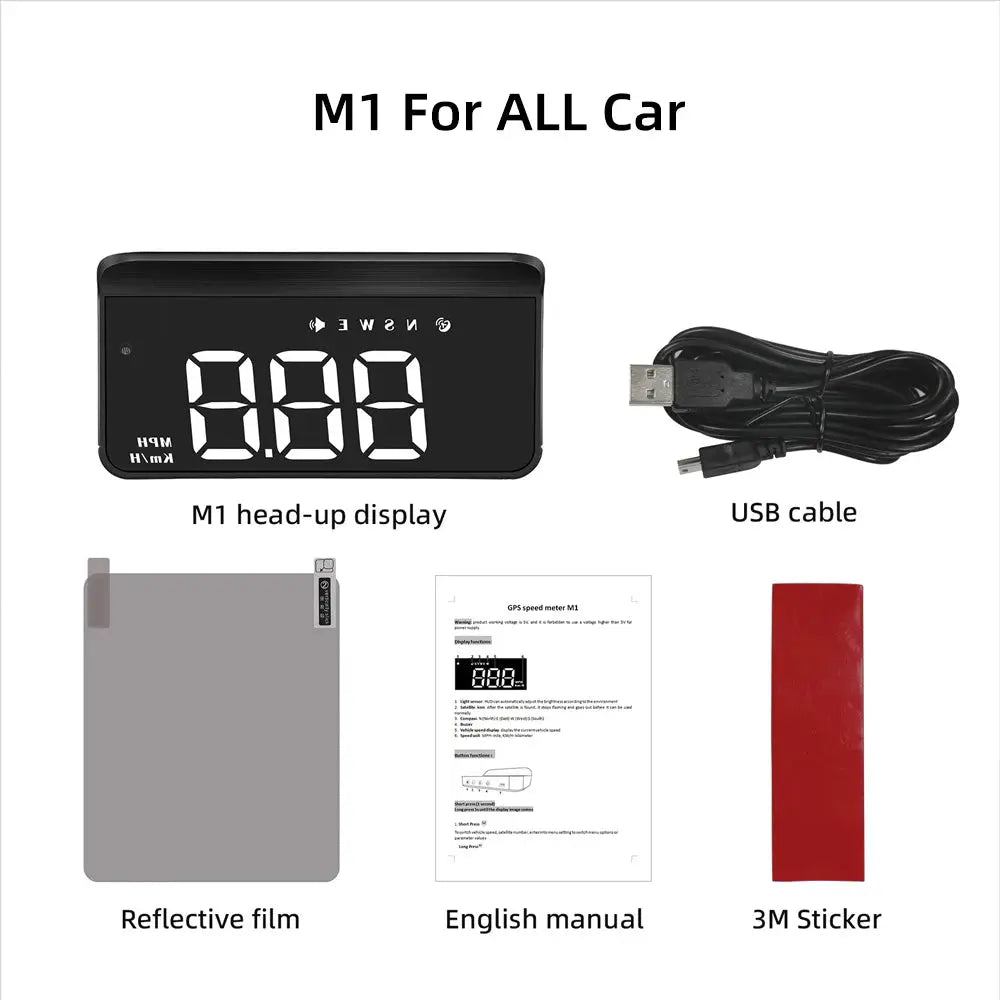
- Compatibility: Compatible with most car models
- Installation: Quick, tool-free setup
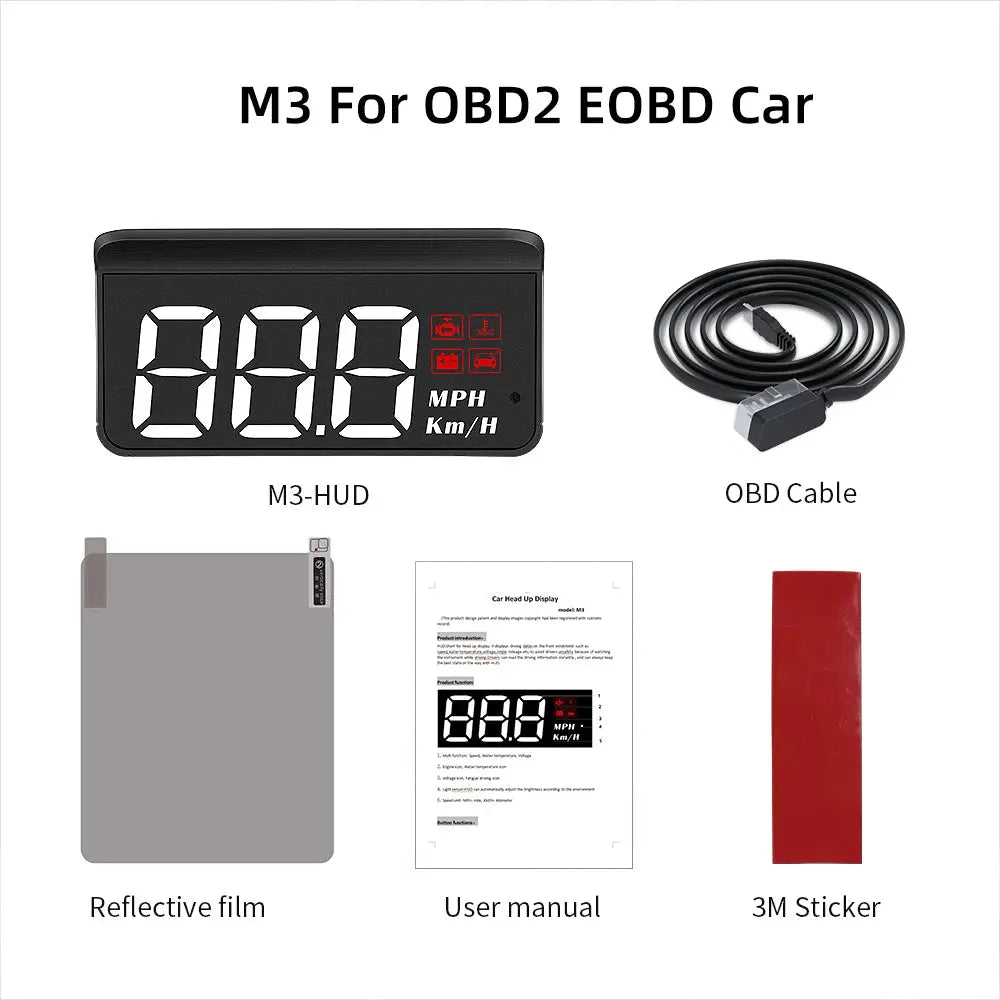
- Power: Powered via car’s OBD-II port
Upgrade your driving experience with the Car Head-Up Display. Order now and enjoy smarter, safer drives!
How to Calibrate Speed
- Press and hold the M Button to enter the settings menu.
- The first setting is Option 1, where parameter 107 is displayed (in Kmh mode).
- Adjust speed accuracy: For example, if the Speedometer displays 100Kmh but HUD displays 105Kmh, change 107-5=102 to 102.
- Press and hold the M Button to save changes and exit.
How to Change from KPH to MPH
- Press and hold the M Button to enter the settings menu.
- In the settings menu, select Option 8.
- Change the parameter value from 0 to 1.
- Press and hold the M Button to save changes and exit.
0 = KPH | 1 = MPH
Additional Functions
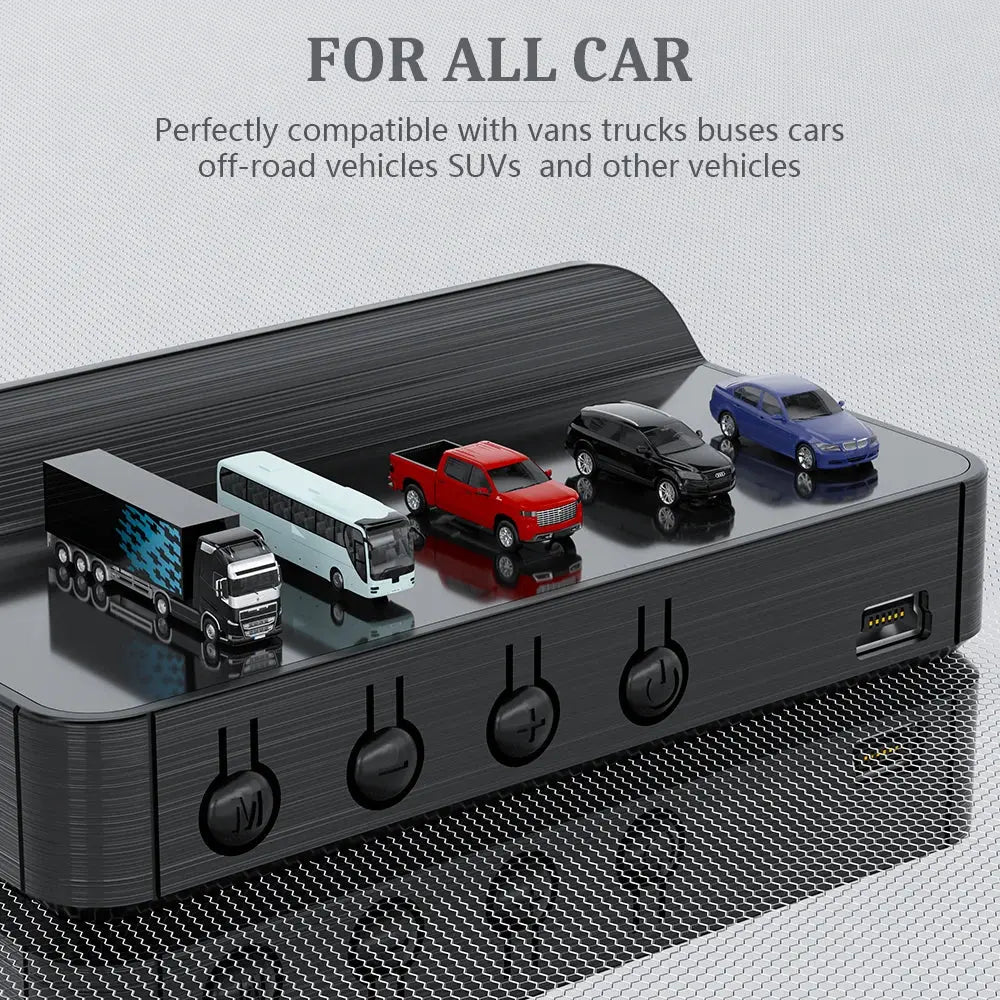
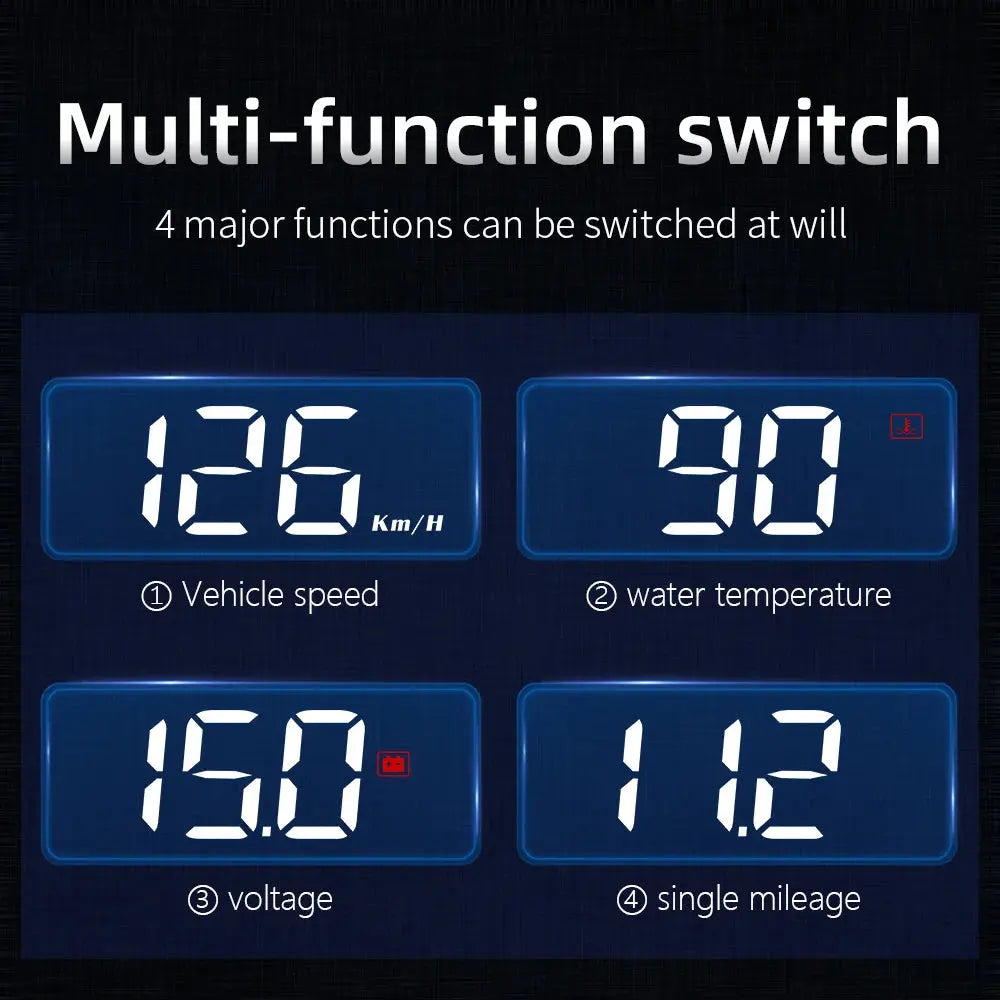
- Short Press "M" Button: Switch between voltage, water temperature, and speed or enter menu settings.
- Long Press "M" Button: Enter menu settings (Menu 1-12) or save and exit settings.
- Short Press "-" Button: Adjust menu and parameter values.
- Long Press "-" Button: Toggle buzzer ON/OFF.
- Light Sensor: Auto-adjusts brightness based on surroundings.
- OBD Connection Port: Ensures accurate vehicle data display.
- Power Switch: Long press for 5 seconds to turn the device ON/OFF.
- Long Press " + " Button: Clear fault codes or exit settings.

- Multi function: Speed, Water temperature, Voltage
-
Short Press the button "M"
To switch voltage, water temperature, vehicle speed, enter into menu setting to switch menu options or parameter values
Long Press the button "M"
To enter into menu settings (see instructions for Menu 1-12) and press 5 seconds to save and exit -
Short Press the button "-"
Menu - and parameter value -
Long Press the button "-"
To turn on and off the buzzer(default choice is buzzer on, you can freely choose to turn on or off) - Engine icon, Water temperature icon
- Voltage icon, Fatigue driving icon
- Light sensor: HUD can automatically adjust the brightness according to the environment
- Speed unit: MPH- mile, KM/H- kilometre
- OBD connection port
- Power switch
Long press for 5s to turn off, again to turn on -
Short Press the button "+"
Menu + and parameters value +
Long Press the button "+"
Long press till the screen is all on, and the fault code is eliminated, long press again to exit